Give your B2B customers a portal: ordering, tracking links and invoices
Why business customers want to order, track and pay without phoning dispatch, what a courier customer portal should include, and how to roll it out without losing the personal touch.
5 min read
For a lot of couriers, "customer service" means the dispatcher's phone. Customers call to book, call to ask where the driver is, call to ask for a copy of an invoice, and call again because the first email went to someone who left the company. Each call is small. Together they are a part-time job, done by the person who should be watching the road.
The takeaway: a customer portal is not about replacing the relationship. It is about taking the routine questions off the phone so the conversations you do have are the ones that matter.
What business customers actually want
B2B customers, such as clinics, law firms, parts distributors, print shops and retailers, are not looking for an app. They want four things:
- Book quickly, ideally without retyping addresses they use every week.
- Know the price before they commit.
- See where things are without calling.
- Get invoices they can pay and copies when finance asks.
A portal that does those four well will get used. A portal that tries to do everything, or that hides the price until the invoice, will not.
Ordering: shorter than a phone call
The ordering form is the heart of the portal, and the test is simple: is it faster than phoning you? That means:
- Saved addresses and favourites, so the customer picks "Main warehouse → King St clinic" instead of typing.
- Order again for repeat jobs, ideally one click from the screen they land on.
- Repeating orders for standing runs, which the customer can pause or skip for a holiday.
- Spreadsheet upload for customers who send twenty deliveries at once.
- A live price as they fill it in, from your rate card, with the breakdown. If the price changes before they confirm, say so.
The live price is the part couriers hesitate over. "What if they shop around?" They already do. Showing a clear, consistent price is more likely to keep them than making them call for a quote. (If your rate card is not ready to show, read Zone pricing explained first.)
Colleagues and permissions
A business customer is rarely one person. The office manager books, the receptionist tracks, and accounts payable pays. Each should have their own sign-in with only what they need: someone who can place orders but not see invoices, someone who can pay but not book. Shared logins are how a former employee keeps access for a year.
Tracking links for the people receiving
Your customer is the sender, but the person waiting is often someone else: a patient, a store manager, a site foreman. Each order should have a tracking link that works without an account: a status timeline, the estimated delivery, and ideally the driver on the map when the delivery is the next stop.
Send it automatically by email or text at the moments that matter, typically when the order is placed, picked up, out for delivery, delivered, or if it failed. Let recipients leave delivery instructions ("leave with security", "use the side door") that reach your team as a note.
Two things to get right:
- Consent for texts. Only text people who agreed to it, and honour STOP replies. In Canada, anti-spam rules apply to commercial messages; transactional delivery updates are treated differently from marketing, but keep the two separate and keep the record of consent.
- Quiet hours. A "your order is delayed" text at 11 pm does not help anyone.
Invoices and payment in the same place
The portal is also where your customers' finance teams should go: open and paid invoices, PDF copies, statements on demand, and card payment for one or several invoices at once. Customers who pay by card can often save a card for automatic payment, which shortens your collection time without a single reminder.
If you sell on credit, decide what happens when a customer is over its limit or overdue: warn, ask for approval, or block new orders. A portal makes that rule consistent instead of depending on who answers the phone.
Rolling it out without upsetting anyone
Some long-time customers will never use a portal, and that is fine. A practical rollout:
- Start with tracking links. They need no sign-in and customers notice the difference immediately.
- Invite your top five customers to the portal personally, with a short call to set up their saved addresses.
- Make invoices available there and mention it on every invoice email.
- Keep the phone. Dispatch still answers; they just get fewer "where is it?" calls.
- Look at who still calls, and ask why. Usually it points to a missing address, a missing permission or a price they did not expect.
How the NemiRoute portal works
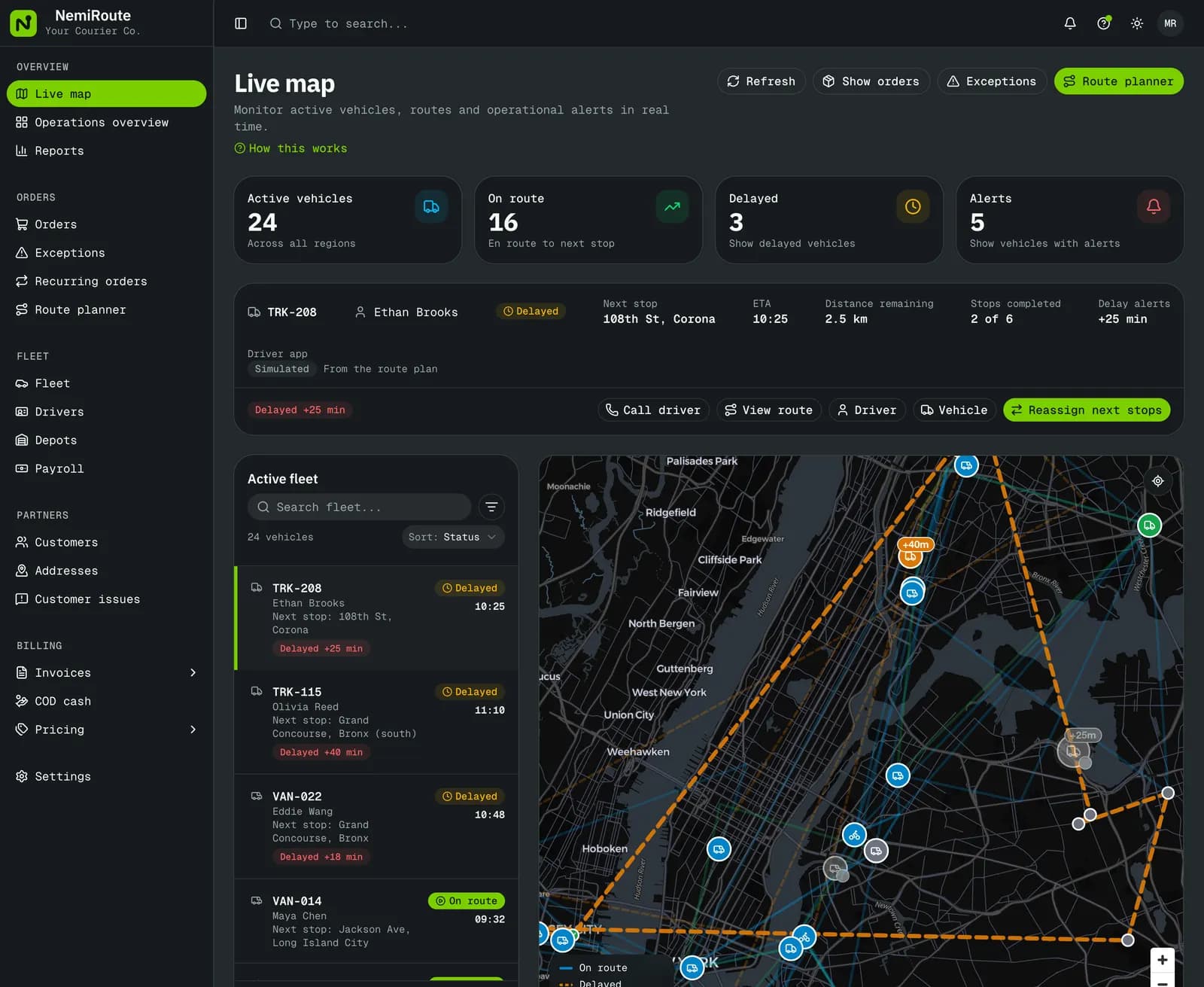
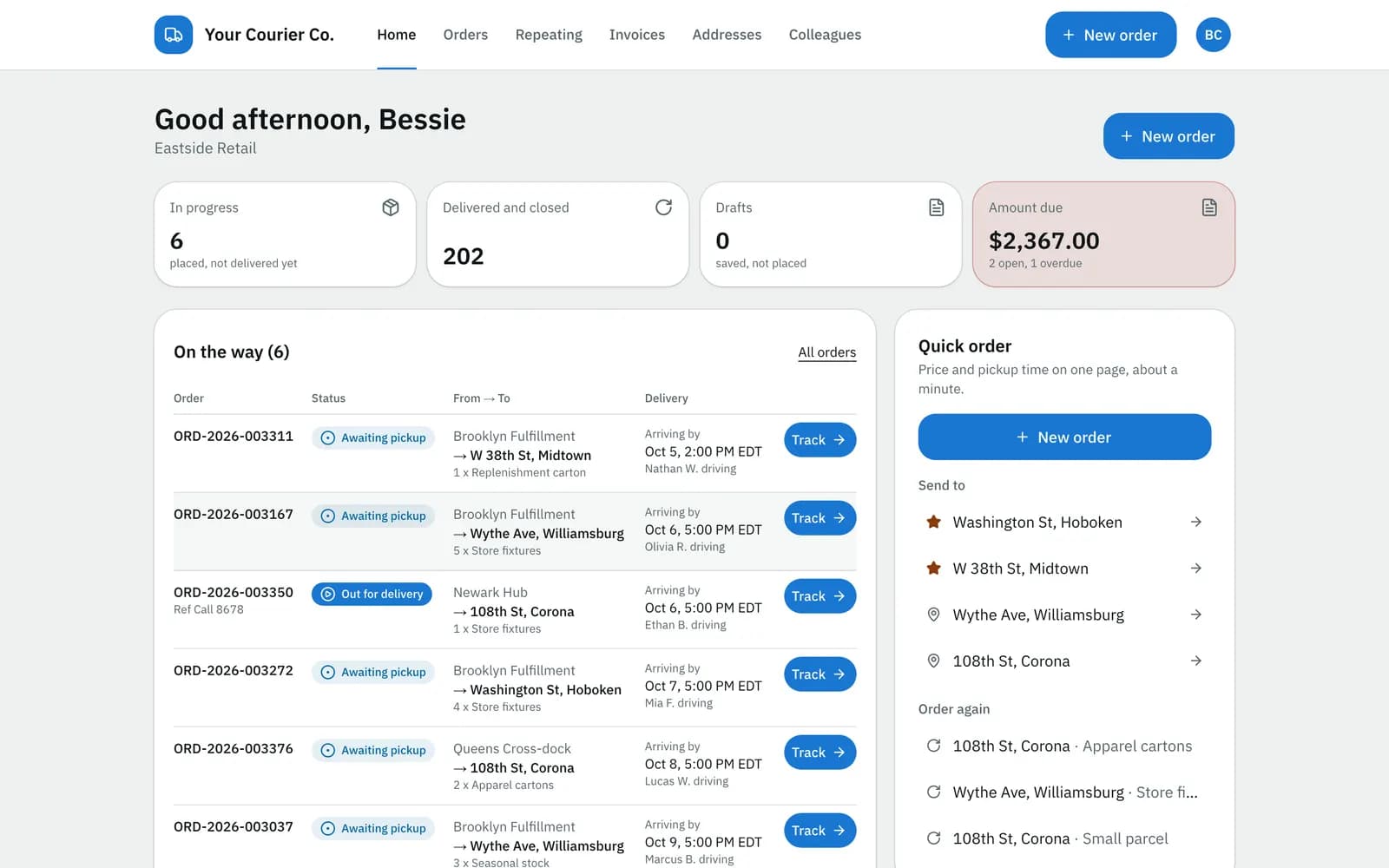
The NemiRoute customer portal gives each customer company its own sign-in. Customers order with a live price from your rate card that is locked when they place the order; use saved addresses, favourites and "same as last time" on the order screen they land on after signing in; upload spreadsheets with a preview of row errors; and set up repeating orders they can pause or skip. Colleagues get their own logins with permissions such as place orders, view invoices or pay invoices. Every order has a tracking page with a status timeline, the estimated delivery and, once the order is out for delivery, the driver on the map with how many stops come first (if you choose to show it), and you edit an email and a text template for each order event. Invoices, statements and card payments through your own Stripe account are in the same place. Customers with their own systems can use the customer API and webhooks (Growth plan or higher).
Emails and texts go out in English or French, chosen per contact and per receiver. Limits worth knowing: the portal screens themselves are in English; a recipient's change request reaches your team as a note and an alert rather than rescheduling the order by itself; and your own branding on the portal needs the Growth plan or higher.
Your customers can read the public guides before they start, for example Place an order and Track your orders.
Next step
Pick the customer who calls you most and give them the portal first: start free or book a demo. If you are also choosing software, the buyer's checklist for courier software in Canada covers what else to ask.
- customer portal
- tracking
- invoicing
- customers