Ten ways to cut failed deliveries
Failed deliveries cost a second trip, an angry call and sometimes the customer. Ten practical fixes, from better addresses and tracking links to failure reasons that decide the next step.
5 min read
A failed delivery is the most expensive delivery you make. The driver's time is spent, the vehicle's kilometres are spent, and you will spend them again on the second attempt. Meanwhile, the sender is unhappy and the recipient is unhappier.
You will never get failures to zero. People go out, buildings lock their doors and addresses are wrong. The takeaway: most failures are predictable, and each predictable failure has a fix that costs less than the second trip. Start by measuring why deliveries fail, then work through the list below.
First, measure why they fail
Before fixing anything, make sure every failure is recorded with a reason. "Failed" by itself teaches you nothing. A short list of clear reasons, such as customer absent, wrong address, can't access, refused, damaged and unsafe location, lets you count which problem is the big one.
After a month, sort the reasons by count. In many courier operations, "customer absent" and "wrong or incomplete address" are near the top, but your list is the one that matters.
1. Get the address right at booking
Most address failures start when the order is entered. Use saved addresses for repeat locations, check that each address finds a place on the map, and ask for the details drivers need: unit number, buzzer code, building name, loading dock, receiving hours. A customer portal with an address book makes repeat orders error-free; a spreadsheet import with a preview catches bad rows before they become orders.
2. Send a tracking link before the driver leaves
A recipient who knows a delivery is coming today is far more likely to be there. Send a tracking link when the order is placed and a message when it is out for delivery, by email or text. The link should show the status and the estimated delivery, so the recipient can plan around it.
3. Let recipients leave instructions
"Leave with the concierge", "use the side door", "call when you are outside". A tracking page where recipients can leave delivery instructions turns many would-be failures into deliveries. Make sure those instructions reach the driver, not just an inbox.
4. Respect receiving hours for businesses
B2B deliveries fail when the receiving dock closes at 3 pm and the driver arrives at 3:20. Record receiving hours on business addresses, use delivery windows on orders that need them, and sequence routes so those stops come first.
5. Give drivers the context they need
The driver should see everything at the stop: contact name and phone, instructions, the delivery window, and whether a signature or ID check is needed. A driver who can call or message the recipient, or dispatch, from the order can often save the delivery on the spot.
6. Decide your safe-drop rules in advance
Many "customer absent" failures could be safe drops, and some safe drops should not be. Decide per customer and per service: allowed with a photo, allowed only at a reception or neighbour, or never (for age-restricted goods, medication or anything requiring ID). When the rule is clear, the driver does not have to guess at the door. See Proof of delivery that settles disputes.
7. Make the failure reason decide the next step
When a delivery fails, the next step should not depend on who is on shift. Attach a default next step to each reason:
| Reason | Usual next step |
|---|---|
| Customer absent | Retry, and tell the recipient the new time |
| Wrong address | Hold and contact the sender |
| Can't access | Hold and contact the recipient |
| Refused | Return to sender |
| Damaged | Hold, photograph, contact the sender |
Set a maximum number of attempts, after which the order is held for a decision rather than tried again.
8. Tell the recipient about the next attempt
A retry without a message often fails the same way. When you schedule a new attempt, send the recipient the new date and window by text or email, with the tracking link. If they cannot be there, they can leave instructions or contact you before the driver sets out again.
9. Spot problems before they become failures
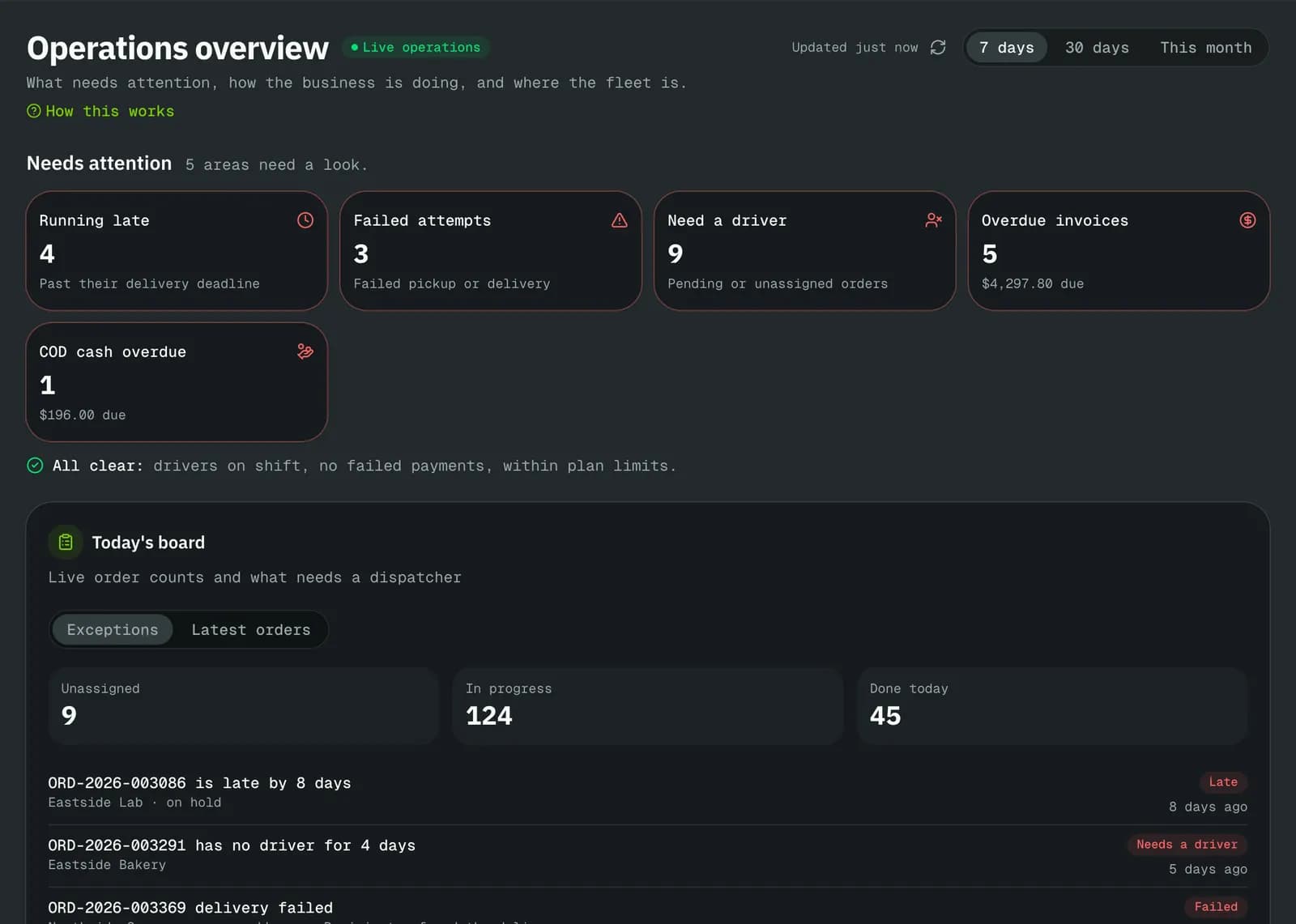
Many failures happen at the end of a day, when a driver is running late and arrives after a business has closed. A live view of each vehicle's next stop and how late it is running lets dispatch move stops to another driver or warn the recipient before the window is missed. Winter makes this more important; see Winter delivery operations in Canada.
10. Review failures weekly, by customer and by address
Once a week, look at failures grouped by customer and by address. Patterns appear quickly: a customer whose orders never have unit numbers, an office tower where drivers cannot find the receiving entrance, a recipient who is never home before 6 pm. Each pattern has a fix: a call to the customer, a note on the address, a different service level. Fix the pattern, not just the order.
Charging for failed attempts
A failed attempt costs you money. Whether you charge for it is a commercial choice, but decide it in advance and put it in your terms: a fee for a second attempt, a return-to-sender charge, or a cancellation fee once a driver is at the pickup. Charges that are agreed up front are rarely disputed; charges that appear on an invoice without warning usually are.
How NemiRoute helps
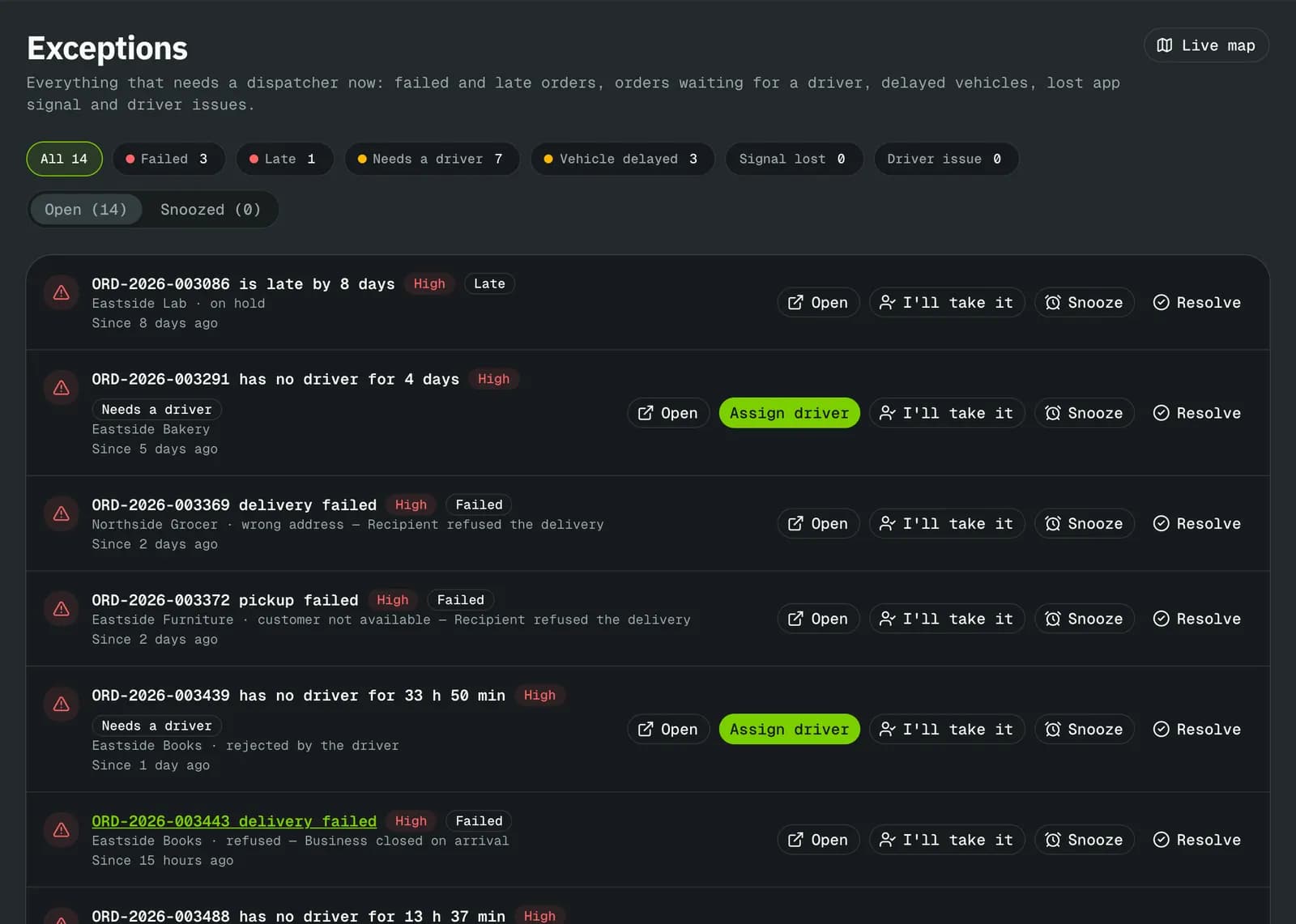
NemiRoute is built around this list. Customers book with saved addresses in the portal, or import spreadsheets with a preview that shows row errors. Every order has a tracking page with the status, the estimated delivery and, once the order is out for delivery, the driver on the map with how many stops come first, and recipients can leave delivery instructions. Edited email and text templates go out for each event. In the driver app, drivers report failures with your own reasons, each with its next step (retry, hold or return to sender) and an optional required photo, and the screen shows the attempt count before they confirm. Failed and late orders collect in the exceptions queue on the dispatch board, where a retry can notify the recipient of the new window. After the maximum number of attempts, the order goes on hold automatically. Pricing can include charges for failed attempts, returns and late cancellations.
Recipients can read Track your orders, and drivers Report a failed delivery.
Next step
Count last month's failures by reason. Pick the top two and apply the fixes above for a month, then count again. To do it with the tools built in, start free or book a demo. For retail work, see how this fits retail and e-commerce last mile.
- failed deliveries
- operations
- customer communication
- dispatch